The VisiPoint survey is a part of our visitor management system, created as a separate module, that will be activated upon request. When activating and assigning to a certain kiosk, the kiosk will work in survey mode only.
To create the survey, you start with
1. Go to the survey.
2. Go to Survey Builder.
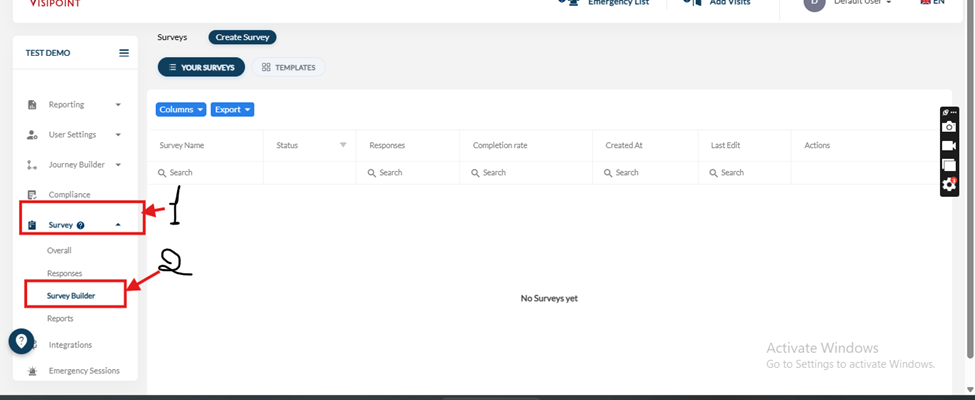
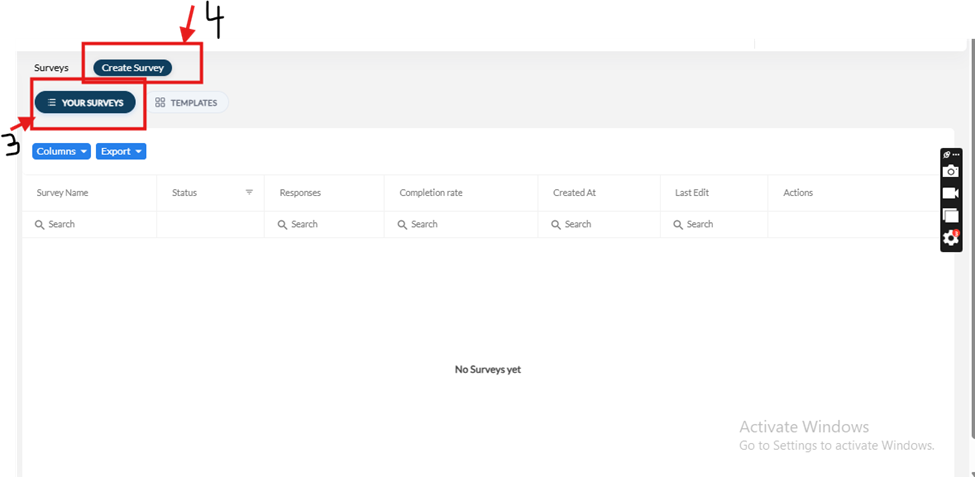
3. Then, to create your own survey, choose (your survey).
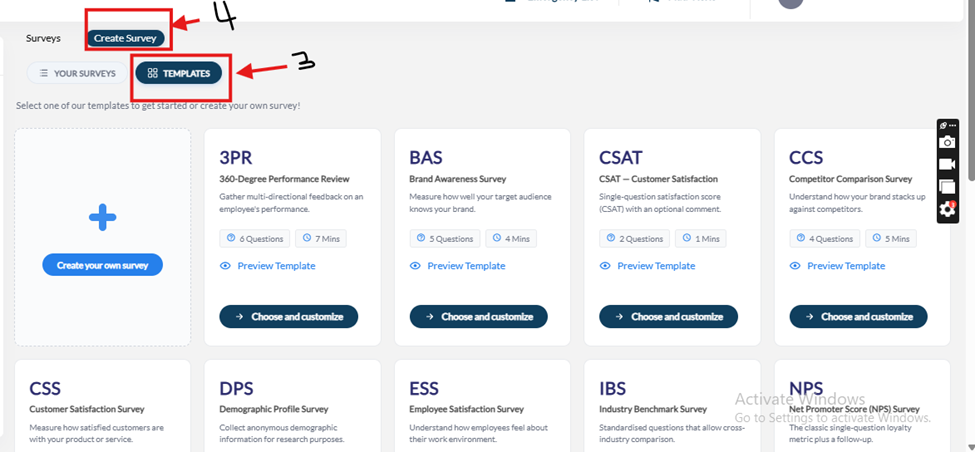
4. Click on ” Create survey.
Or you can choose from the pre-existing templates
5. Once you create a journey, you have to name it and write a description of it.
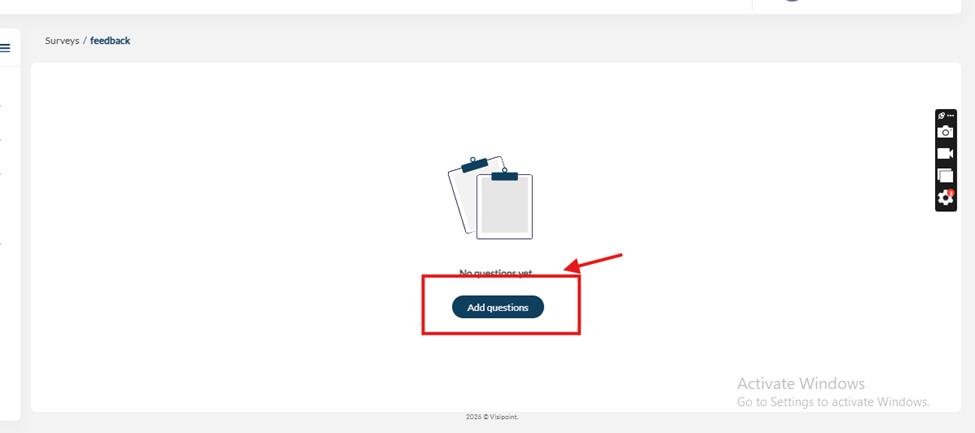
6. Click on ” Add questions.
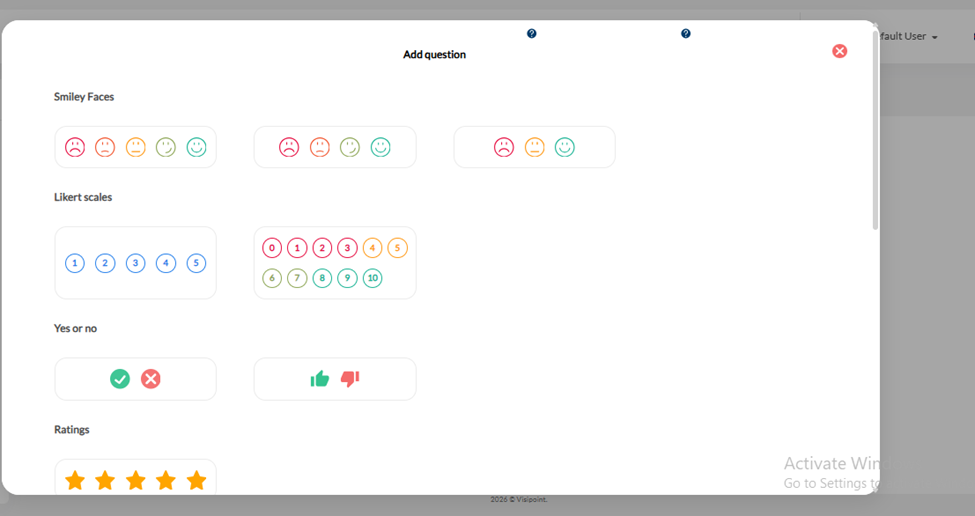
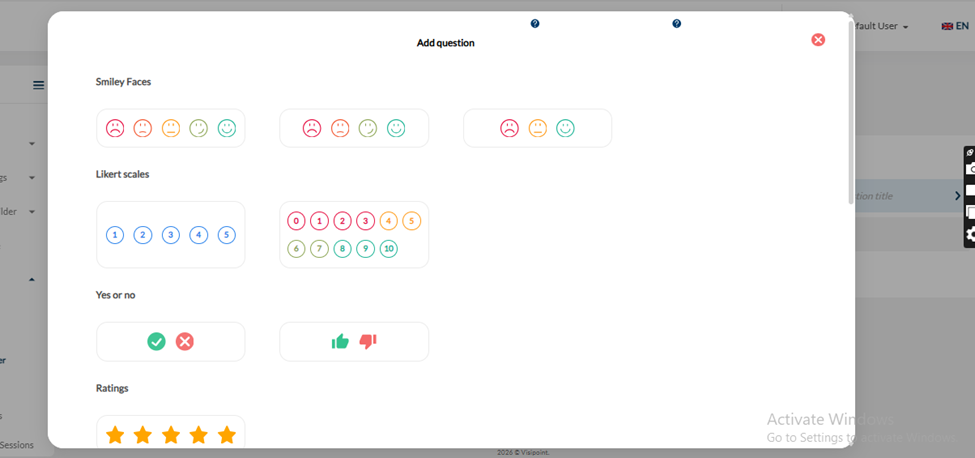
7. Choose the type of answer you would like.
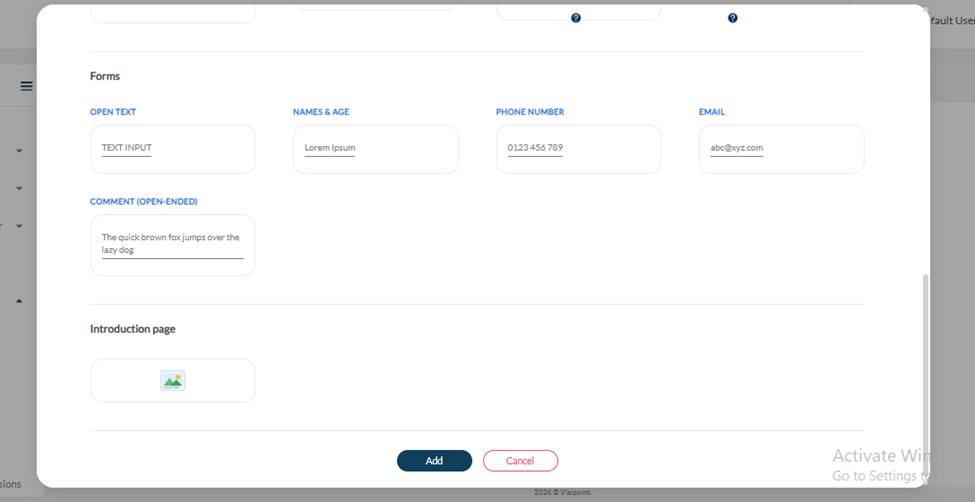
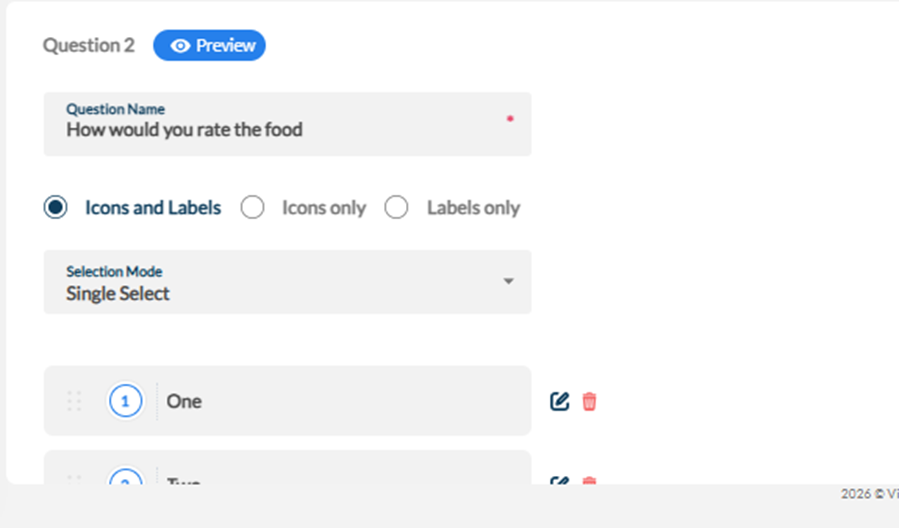
8. Add your question and choose if you want the answer to be only labels and icons, labels only or icons only.
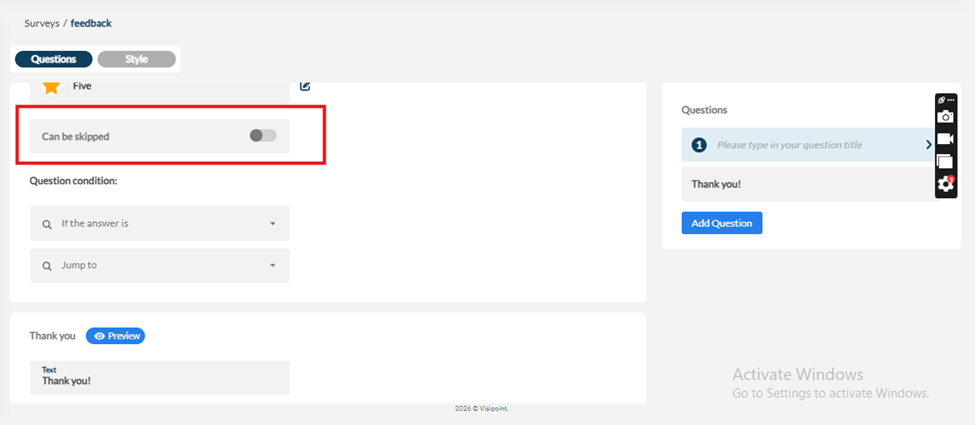
9. After creating the question, you can also choose if it can be skipped.
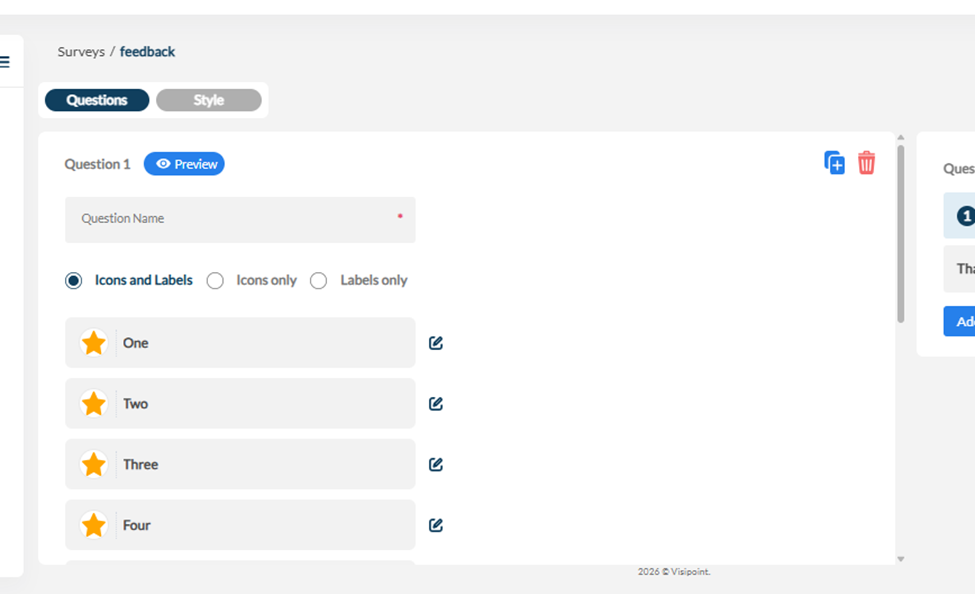
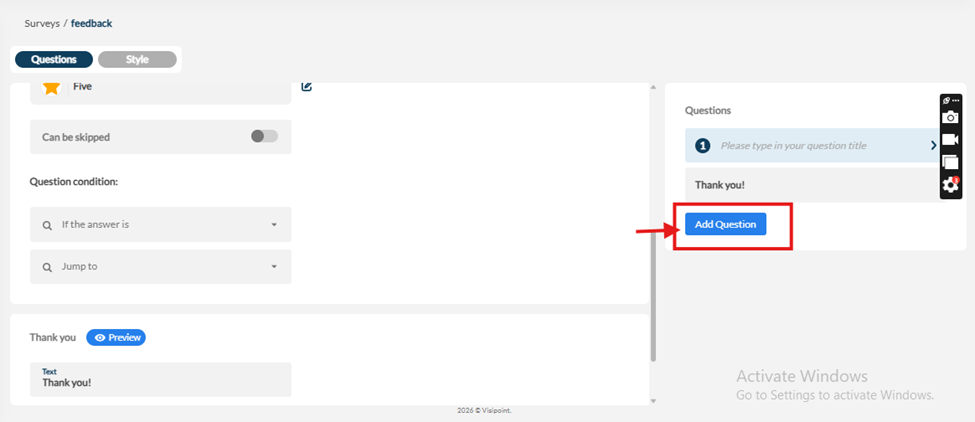
10. You can add an additional question by clicking on adding question
11. Then you choose the fields you require for the answer
12. Then create your question
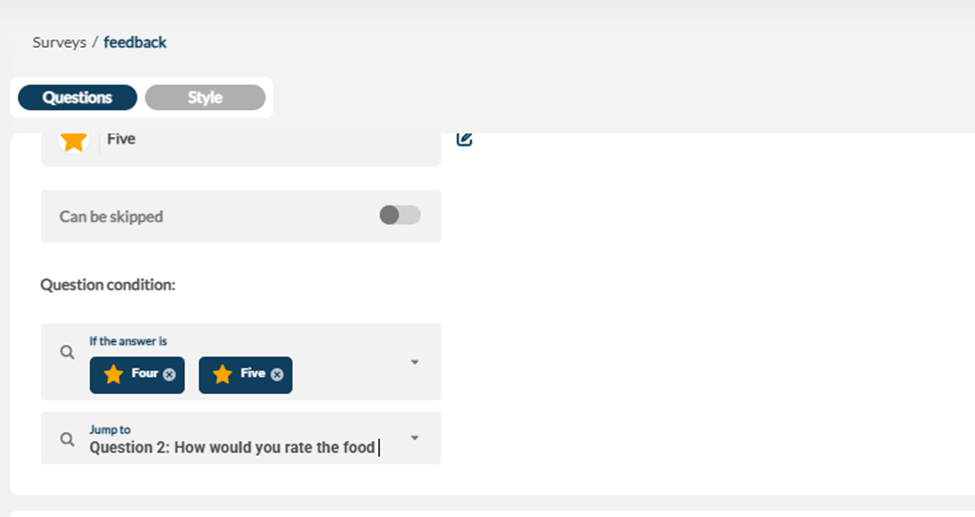
13. Then you can choose if there is a condition that you would like to have, like if you get a certain rating, you can jump to a specific question.
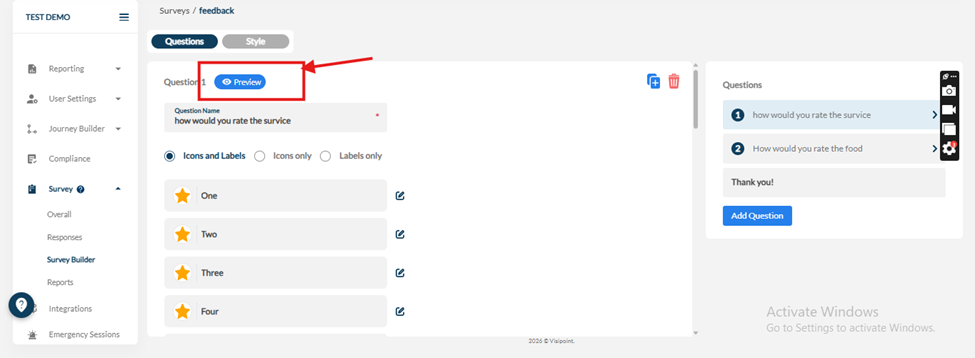
14. When you are done, you can preview your survey before saving it
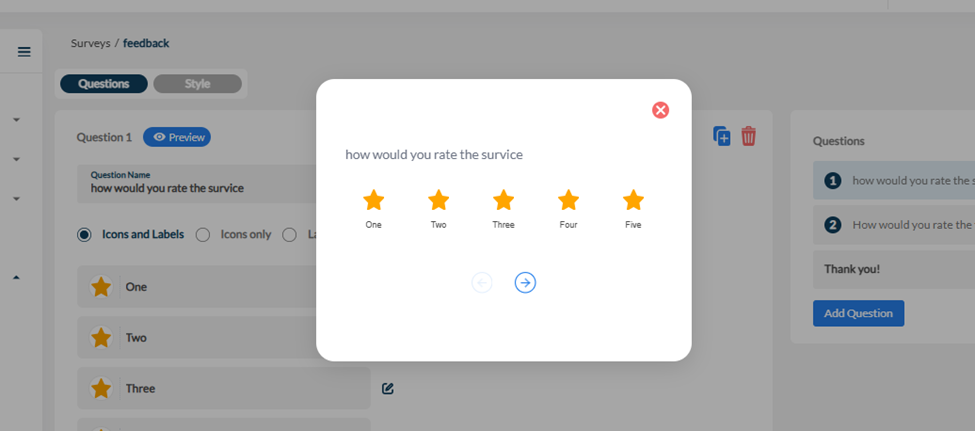
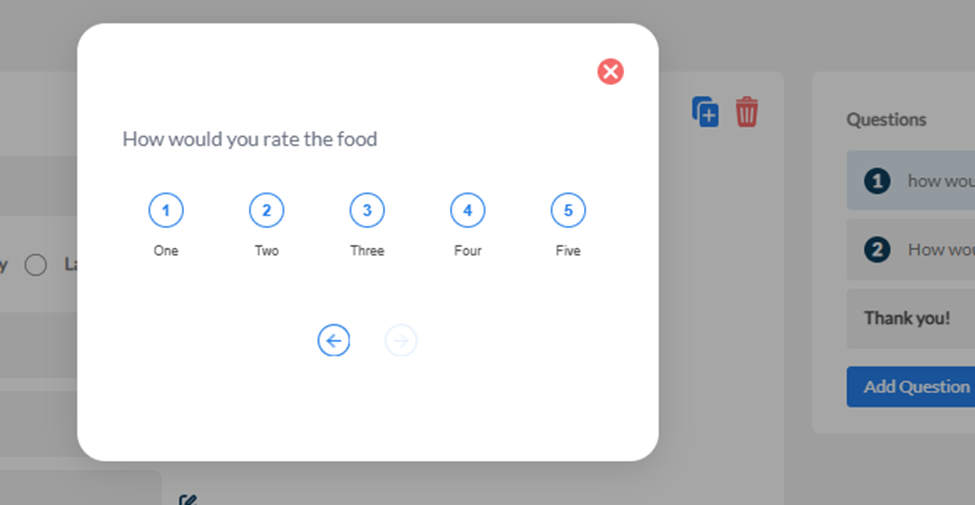
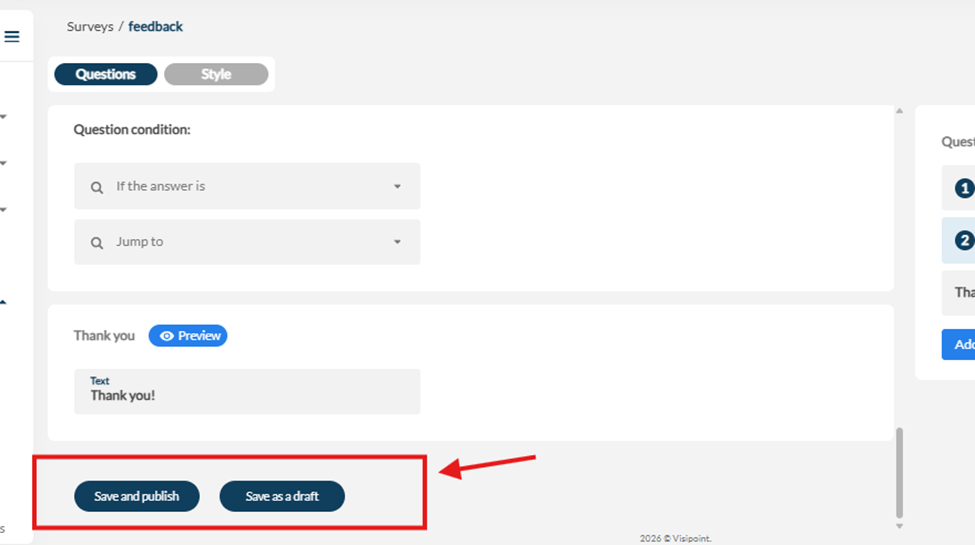
15. Then you can save the survey as a draft or save it and publish it
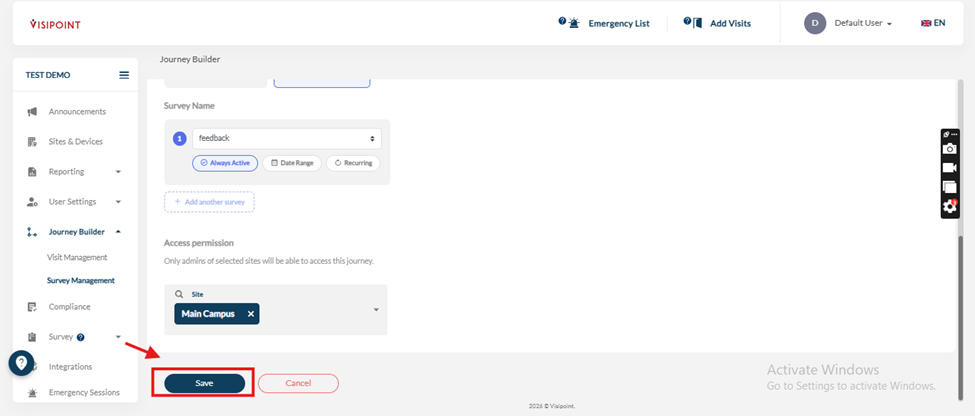
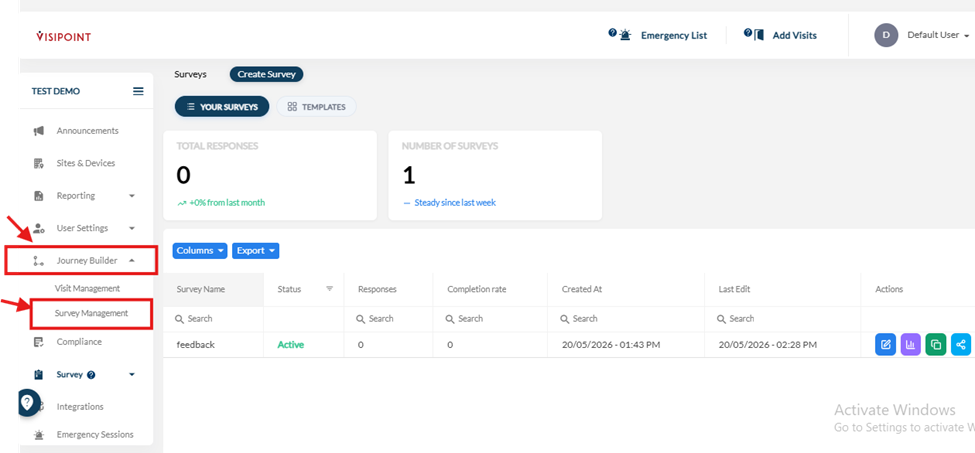
16.You go to the journey builder and choose survey management
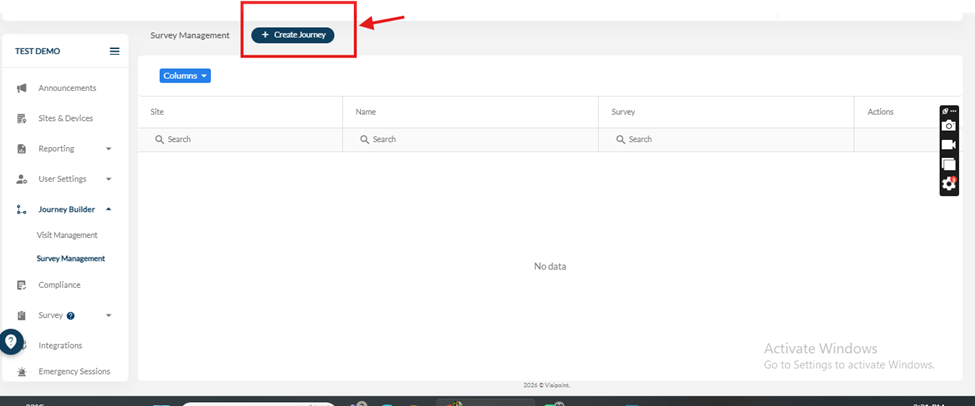
17. Click on create journey
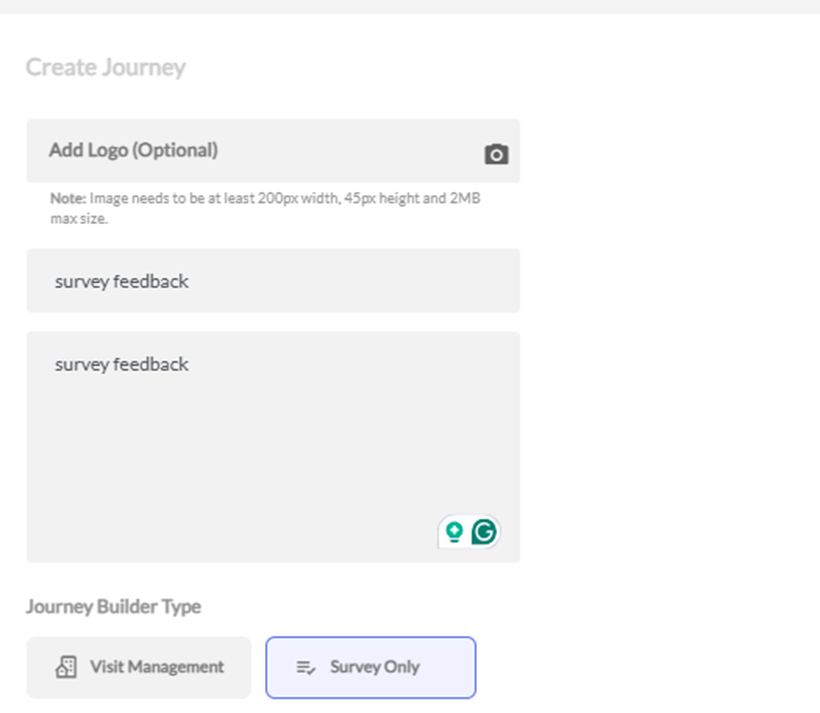
18.Fill in the details of the journey and choose the site to apply this for
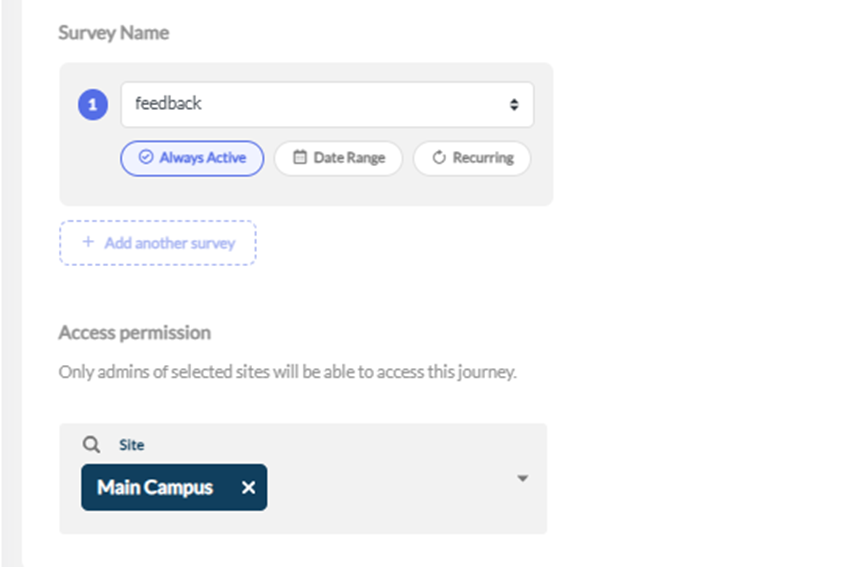
19.Then save the journey