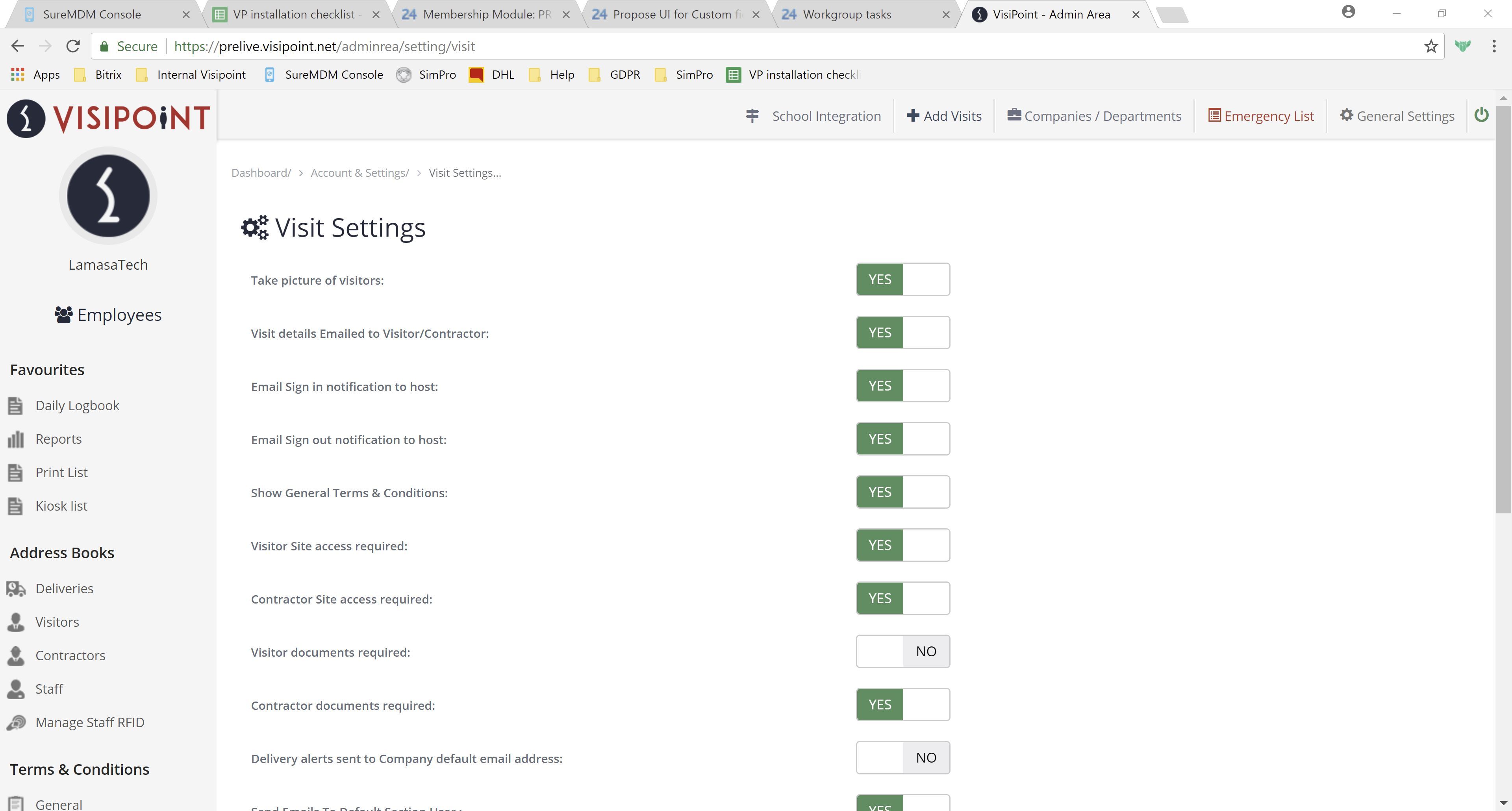
Visit settings, accessible by the left-hand side menu in the Portal, allows Admins to make changes to the information that appears and is required by users who sign in using the kiosk.
You can toggle the various options on and off, customising the Visit to suit your business’s needs.
Need some extra support? Get in touch with our expert team.