To access the cloud management system you can use any device with a browser that’s connected to the internet. We recommend using a modern browser such as Google Chrome, as older browsers like Internet Explorer do not always work well.
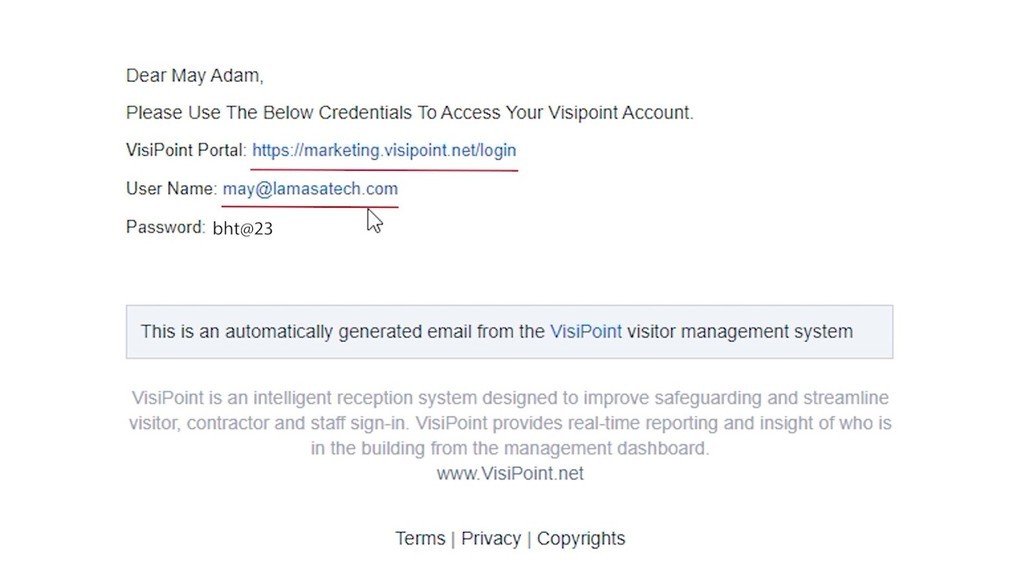
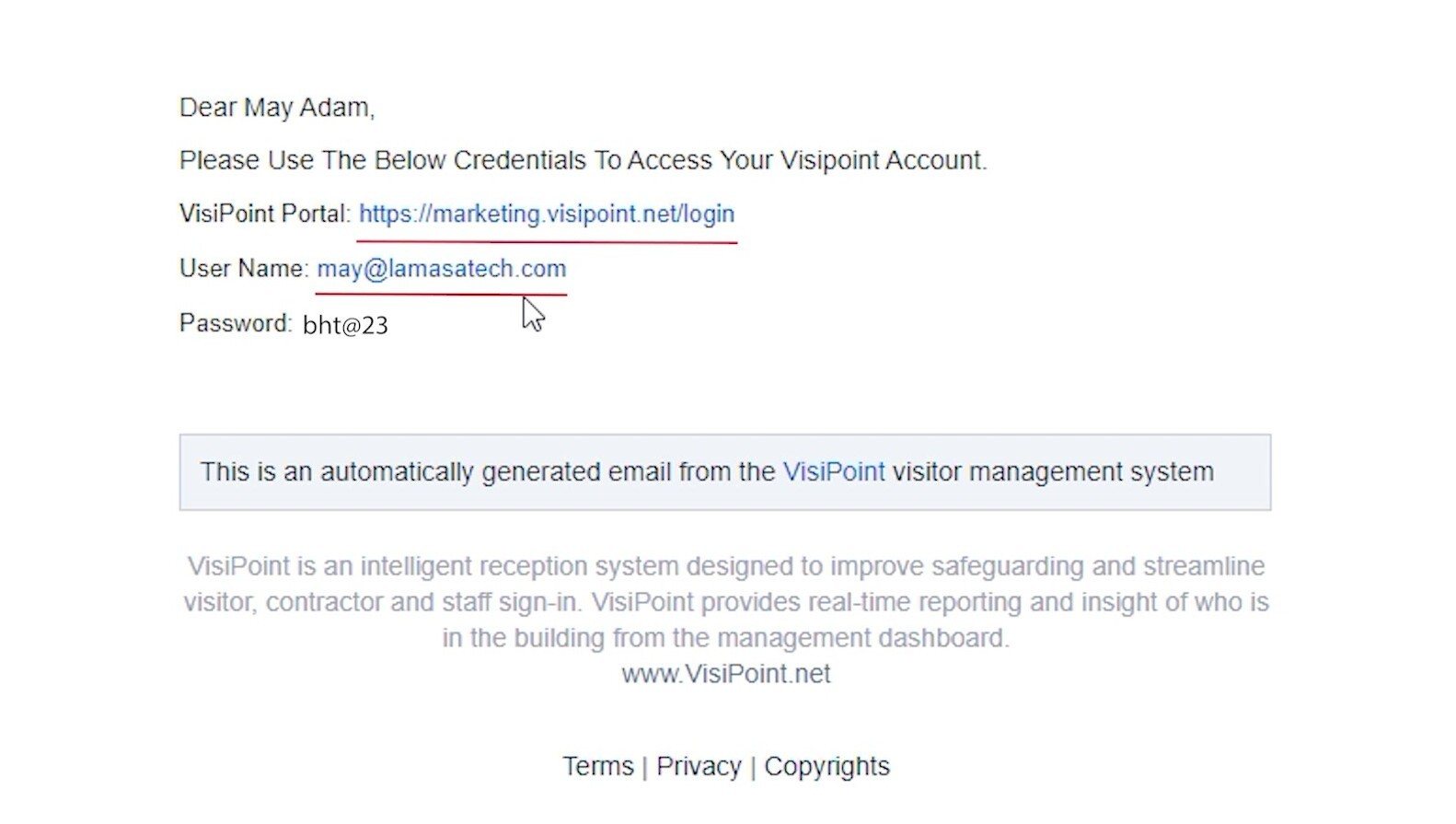
You will receive your VisiPoint login URL and login details via email – an example is shown below.
Click on the link in the email to sign in with the details provided. The URL will be used by all admins to access the system, but each admin will have their own username and password.
Click the image to enlarge it
Need some extra support? Get in touch with our expert team.
We use cookies to ensure that we give you the best experience on our website. If you continue to use this site we will assume that you are happy with it.