De-registering a kiosk means deleting all data linked to your dashboard, whether you have a standalone license or a cloud license.
This will allow you to use the kiosk info (serial number and MAC address) to register the kiosk to a different account. A kiosk cannot be registered to multiple accounts.
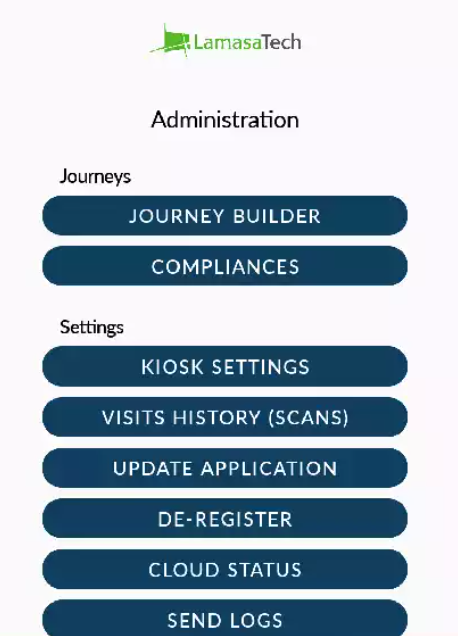
To de-register a kiosk, you can click on the De-Register option (under Settings) from the Administration screen. You may wish to export your data before doing this.
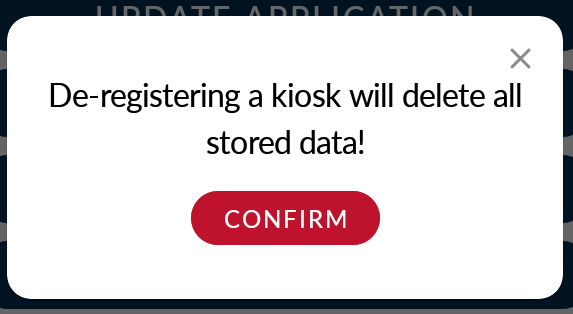
When you click on the De-Register button, you will be presented with the warning message below.