This section is used to send the backlog data information to our development team. This is only used if there is an issue that needs further investigation from our support team to resolve.
Please don’t use this section unless instructed to by our support team.
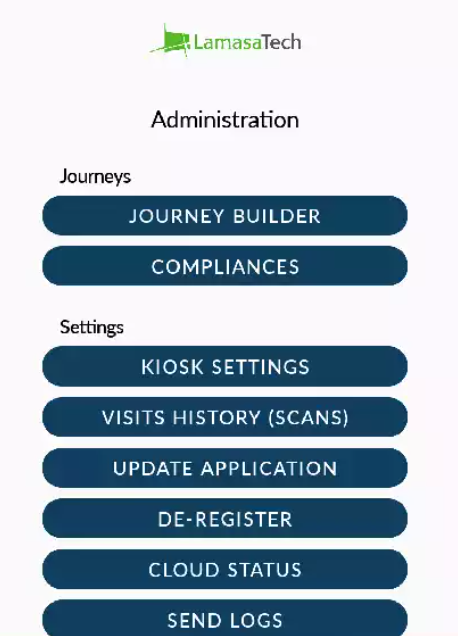
To send logs, please access the Administration menu by double-clicking or tapping on the blue taskbar along the top of the screen and entering the device password (the default is 123456).
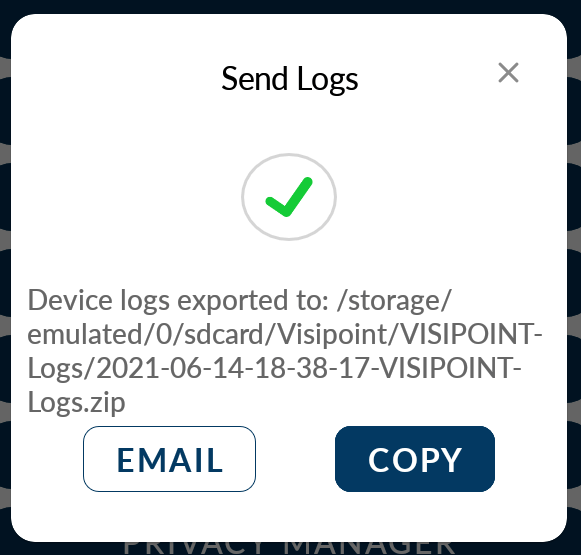
You can then click on the Send Logs button under settings. You will see a success message similar to the below message.