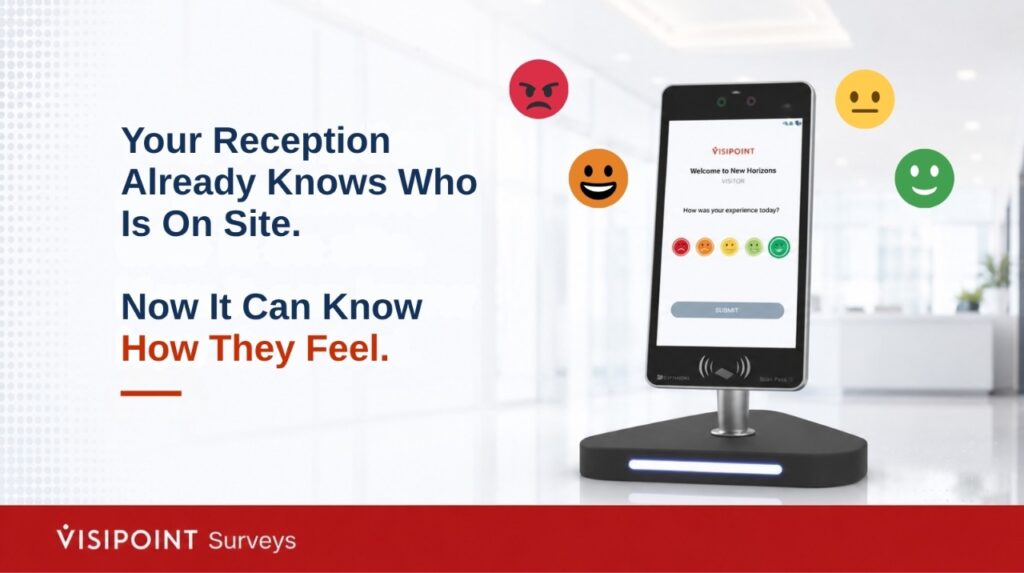
Your visitor management system already answers the “who,” “when,” and “where” of every visit. There is one question it has never been able to answer: “How was it?” Until now.
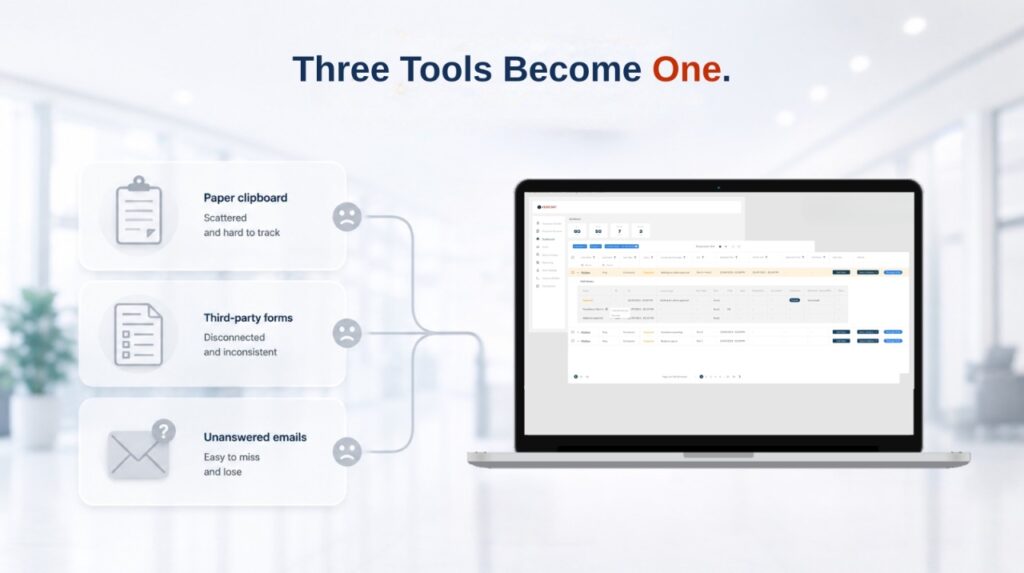
Most organisations want to know how their visitors, patients, staff and contractors experience their site. Far fewer have a reliable way to capture it. Sound familiar? Feedback usually ends up stitched together from a third-party form tool for one survey, a paper questionnaire on a clipboard for another, and the occasional follow-up email that quietly goes unanswered. The data ends up scattered across systems, and the questions were never designed for a touchscreen.
There is a better way. A visitor feedback kiosk captures responses at the moment that matters most: while the person is still on site, while the experience is still fresh.VisiPoint Surveys runs on a dedicated Zentron kiosk built specifically for capturing feedback. It uses the same trusted hardware, managed from the same VisiPoint dashboard, with no third-party survey tools to buy, no separate software to learn, and no data scattered across systems.
Why feedback at the kiosk works better
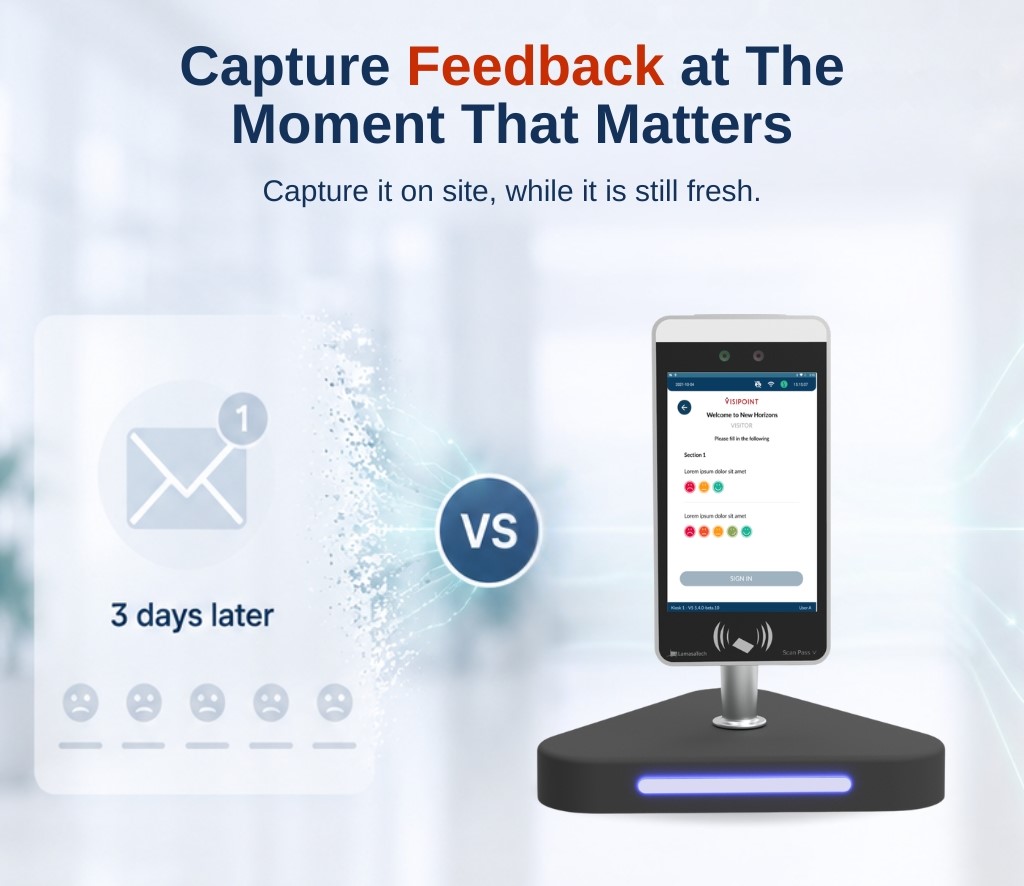
The closer you capture feedback to the experience, the more honest and useful it is. A survey emailed three days later competes with a full inbox and a fading memory. A question on screen while someone is still on site captures the moment directly. Because responses sit inside the same VisiPoint dashboard, you get feedback tied to real data: which site, which day, which type of visit, without stitching anything together by hand.
One system instead of three
Replacing standalone visitor survey software with a built-in option removes the scattered-data problem at the root. Questions are designed for a touchscreen from the start, responses flow into your VisiPoint dashboard alongside your existing visitor reports, and there is nothing extra for your team to manage.
Why capture feedback where your visitors already are?
Think about the moment someone is still on your premises. The experience is fresh, their impressions are clear, and a dedicated survey kiosk is right there in front of them. That is the moment to ask a short, well-timed question. Miss it, and you are back to chasing people by email a week later, hoping they reply.
VisiPoint Surveys is built kiosk-first. The respondent experience is designed for a touchscreen from the ground up, with large tap targets that are easy to use even in a busy reception, clean transitions between questions, and simple forward and back navigation that anyone can follow. This is not a browser form squeezed onto a kiosk as an afterthought. And because the same survey adapts to desktop and mobile too, you can collect feedback wherever it makes sense for your sites.
Start from an expert template, not a blank page
Here’s the thing: Designing a good survey is harder than it looks. Pick the wrong question type or scale, and the results become difficult to trust.
That is why the module opens with a library of more than eighteen pre-built templates, each written for a specific scenario, including:
- Customer satisfaction and Net Promoter Score.
- Employee satisfaction and engagement.
- Patient feedback and quick pulse checks.
Every template can be previewed before you commit, then copied into your workspace as a fully editable survey. From there, it behaves exactly like one built from scratch. You keep complete control, without spending days drafting questions that may not match the research scenario.
A question type for every situation
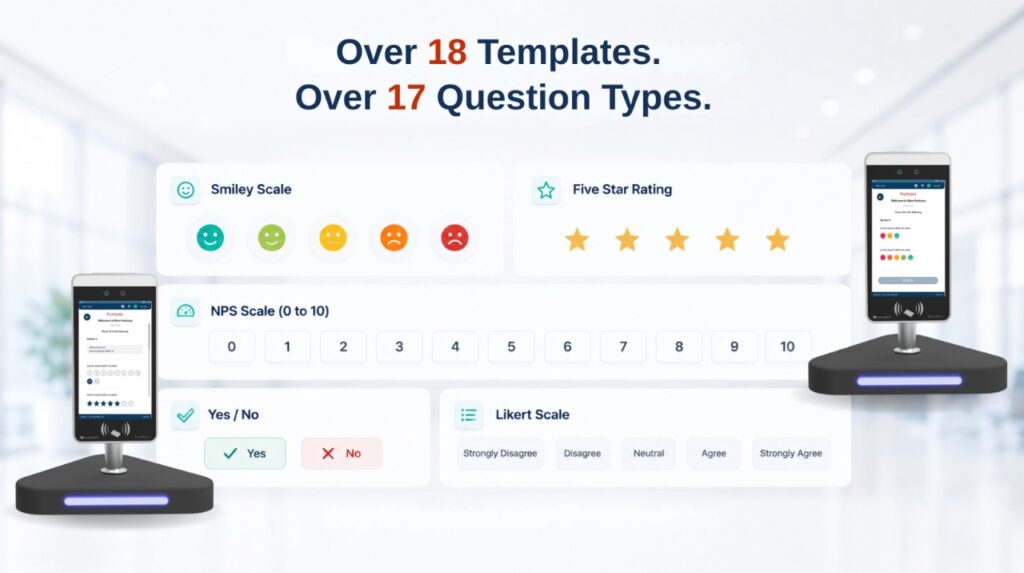
The builder includes more than seventeen question types, covering almost any feedback scenario you are likely to meet:
- Smiley face scales for quick emotional satisfaction, in five, four and three-point versions.
- Likert scales and the standard zero-to-ten NPS scale for loyalty measurement.
- Yes and no questions, with either a formal tick-and-cross or a more casual thumbs design.
- Five-star ratings for familiar, review-style feedback.
- Multiple choice with custom icons and labels, ideal for branded or visual-first questions.
- Open text, comment and structured form fields for names, age, phone number and email.
On brand, from the very first screen
A survey is a touchpoint with your organisation, so it should look like yours. Not like a generic form. A branded introduction page greets respondents with your title, description, logo and a custom call-to-action button. Beyond that, the Style Studio lets you set survey-wide visual defaults for button colours, backgrounds, fonts and alignment, with a live preview showing the desktop and kiosk versions side by side before anything goes live.
Insight that is built in, not bolted on
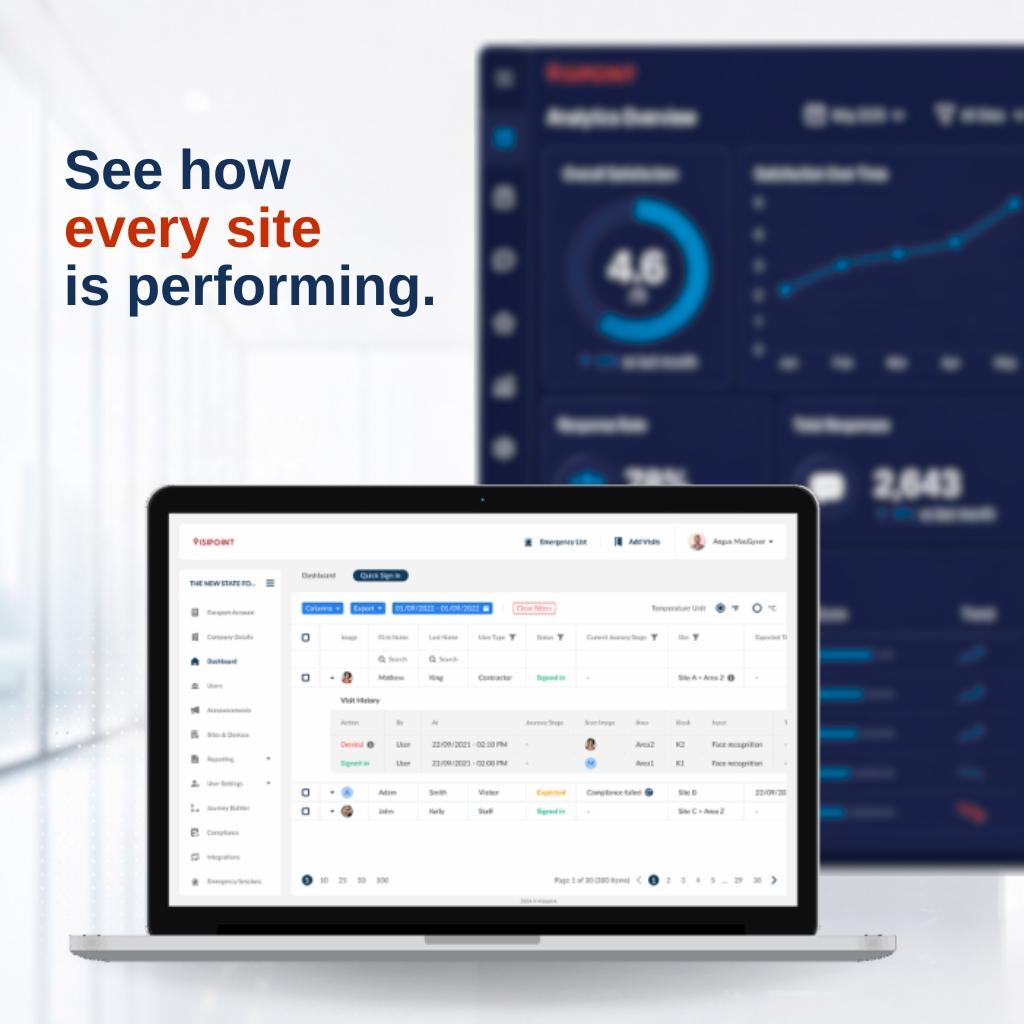
Collecting responses is only half the value. The other half is understanding what they tell you. Once your surveys are live, the analytics dashboard gives you a single place to see how everything is performing. You can view aggregate satisfaction and NPS scores across all your surveys at once, rank your best and worst performers at a glance, and use a time-slot heatmap to see exactly when scores rise and fall across the week. That last one is genuinely useful for planning staffing and spotting operational dips before they become a pattern.
For closer reading, the Responses Explorer lets you browse, search and filter every individual response, with sentiment flags that make it quick to scan verbatim comments without opening each one.
Compare your surveys with confidence
One of the most powerful features is Cross-Survey Comparison. It lets you place between two and five surveys side by side and measure them across metrics such as NPS, customer satisfaction, completion rate and response volume. You choose a baseline survey, and the system shows you the difference for each metric, along with a clear performance band.
Getting started with VisiPoint Surveys
But here is what really sets it apart: built-in statistical significance testing. Rather than leaving you to wonder whether a change is meaningful or just random noise, the system tells you whether the difference is real. No statistics background required. Then export the report to PDF or Excel in seconds, ready to drop straight into a management update.
VisiPoint Survey is a dedicated module that is activated on your account, rather than switched on by default. If you would like to see it in action, or talk through which feedback scenarios would suit your sites best, your account manager can arrange a walkthrough and enable it for you.
Your reception is already capturing who is on site. With Surveys, it can capture how they feel about being there too.
Frequently asked questions
How do I add a survey to my VisiPoint kiosk?
VisiPoint Surveys is a module enabled at account level, so there is nothing to install on the kiosk itself. Once your account manager activates it, you build your survey in the dashboard,